1 Start
Start
Easy booking by specialty and fuller calendars.
- Specialty and doctor pages
- Online booking by specialty and doctor
- Automatic reminders and confirmations
- Google Maps facility profile
Priced per scope
Request a Quote : StartIndustries
A clinic's needs differ from a hospital's. For clinics we start with booking by specialty and doctor, reminders that cut no-shows and specialty marketing; for hospitals we plan multi-department scheduling, integration with health information systems, insurance workflows and the call centre.
The challenges
The solution
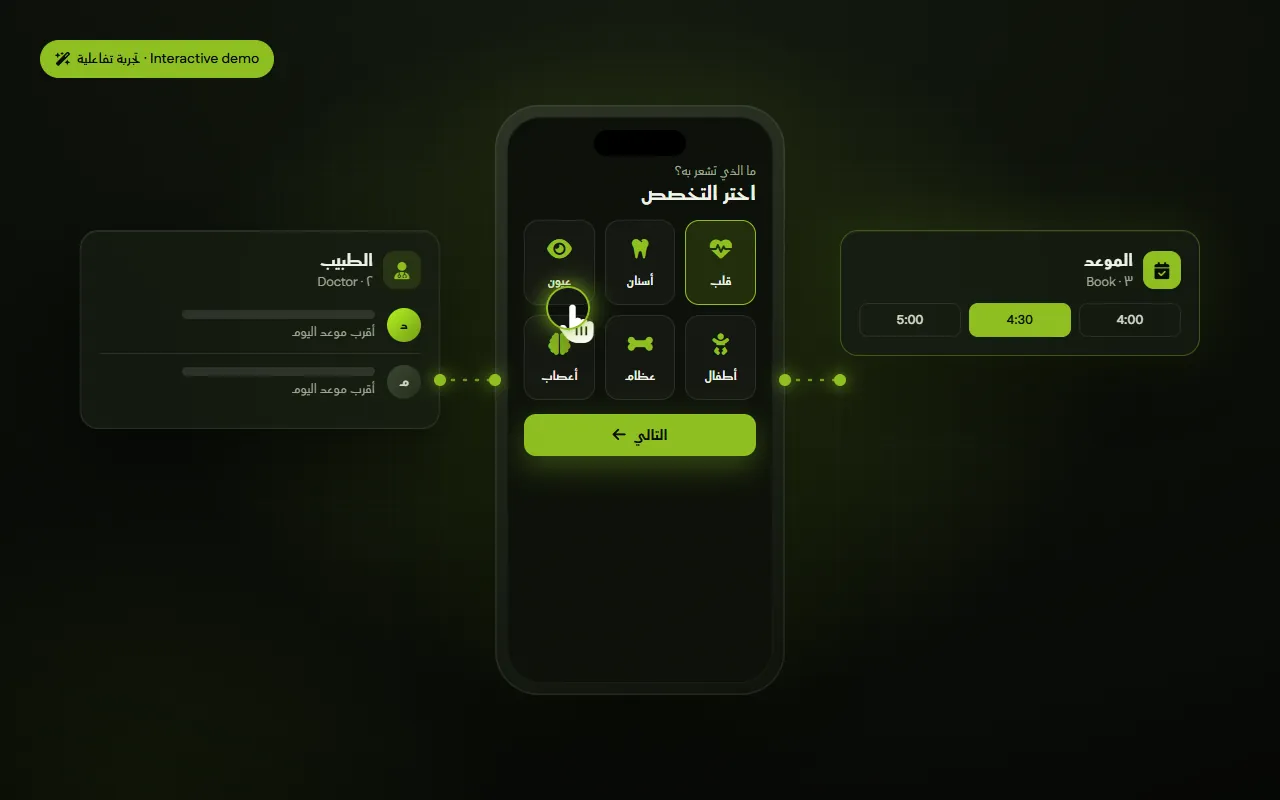
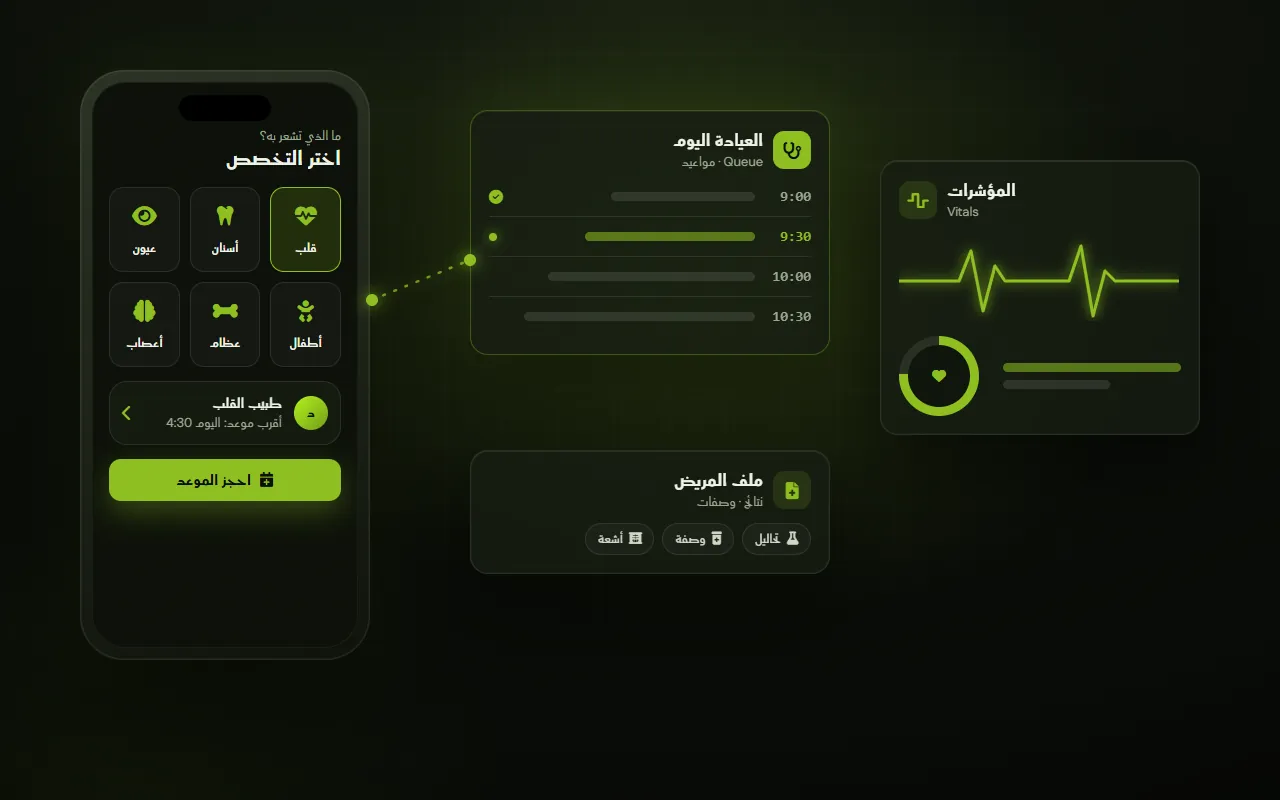
Patients choose a specialty, then a doctor, then an open slot — on web or app.
Confirmation and reminder messages with a reschedule option.
Core patient data, visit history and post-visit follow-up.
Connecting booking to health information, accounting and claims workflows.
Educational content, doctor and facility photography and campaigns per specialty, after required health-authority approvals.
By size of operation
A single clinic or multi-specialty centre that needs full calendars and a strong reputation.
A multi-department facility that needs integrated systems, controlled workflows and compliance.
Packages
Pricing is set per scope. Pick the closest package and request a detailed quote.
1 Start
Easy booking by specialty and fuller calendars.
Priced per scope
Request a Quote : Start2 Growth
A stronger reputation and new patients per specialty.
Priced per scope
Request a Quote : Growth3 Operate
Organised front desk and follow-up.
Priced per scope
Request a Quote : Operate4 Scale
Hospital- or group-level integration.
Priced per scope
Request a Quote : ScaleRoadmap
Stage 1
We launch specialty and doctor pages with direct booking and reminders. Request web & apps to begin.
Request this step : Booking by specialtyStage 2
We photograph doctors and the facility, produce educational content and organise review requests.
Request this step : Reputation & contentStage 3
Targeted campaigns per specialty after the required advertising approvals.
Request this step : Campaigns by specialtyStage 4
Basic patient files, call-centre CRM and post-visit follow-up.
Request this step : Front desk & follow-upStage 5
Connecting departments with HIS, ERP, insurance and claims workflows and compliance controls.
Request this step : Hospital-level integrationMembership
Clearer presence for your business in ZVarietyHub search and browsing, with organic and sponsored placement clearly separated.
Register interest : Visibility & discoveryTake bookings by branch, staff and availability, with confirmations, reminders and cancellation rules.
Register interest : Bookings & appointmentsWe review where you are now and suggest where to start and what to measure first.